
Muse & AI · AI images & effects
NEW YouTube Shorts Effect: Dream Dog (Crazy Results)
By Justin Rosales · July 28, 2025 · 14 sec
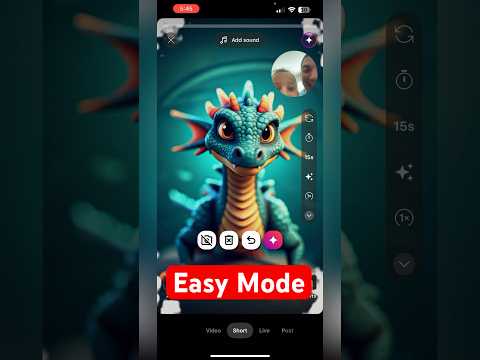
We're trying the new "Dream Dog" AI effect in YouTube Shorts, and the results are wild! Watch as we go from a simple scribble to an incredible, AI-generated dog in seconds. Sometimes the simplest drawing creates the most amazing result!
How to create your own "Dream Dog" in YouTube Shorts:
1. Open the YouTube app and create a Short.
2. Tap the "Effects" icon and find the "Dream Dog" AI effect.
3. Draw your dog on the screen (simple can be better!).
4. Press the Gemini icon to let the AI transform your drawing.
5. See what crazy dog you get!
6. Love it? Hit Subscribe for more fun tricks like this.
Up next
All AI images & effects →

Fruitful
Every Saturday morning: one thing we've tried and trust, plus the week's Faith by Fire.
Free. One email every Saturday. Unsubscribe anytime.
Related searches
Read the transcript
Auto-generated transcript. It may contain mistakes.
We are building a dream dog using YouTube's new generative effects. Gemma, go ahead and draw your dog real quick and watch here. After you make a couple of taps, and hit the red button on the screen, which you can try it on the bottom lefthand corner. In three, two, one, you have a pretty dream dog. I love it.
Comments
Everyone who visits this page can see what you post. Comment guidelines