
Muse & AI · AI images & effects
How to Make a Cat Using YouTube’s Gen AI ()
By Justin Rosales · November 11, 2025 · 28 sec
Up next
All AI images & effects →

Fruitful
Every Saturday morning: one thing we've tried and trust, plus the week's Faith by Fire.
Free. One email every Saturday. Unsubscribe anytime.
Read the transcript
Auto-generated transcript. It may contain mistakes.
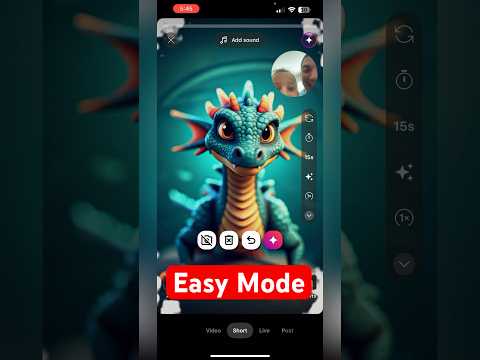
Here's how to create a cat using YouTube Shorts Gen AI. First, open the YouTube app. At the bottom, tap the plus button. And once you're there, hi. Go to the righthand corner where you see effects. Tap that and you are going to go to where it says AI in the middle. From there, you're going to see the dream cat. Tap it and start drawing a cat. That's not a great cat, but you know, I'm trying here to make it really fast. And then let's see. We're going to hit this little red Gemini icon. I am a horrible drawer. And within seconds, you are going to see a
Comments
Everyone who visits this page can see what you post. Comment guidelines